Apple Health
Turn Apple Health data into more context
Your watch already records a lot. HAVYT puts it next to how you actually felt and what you actually did, which is where it starts to mean something.

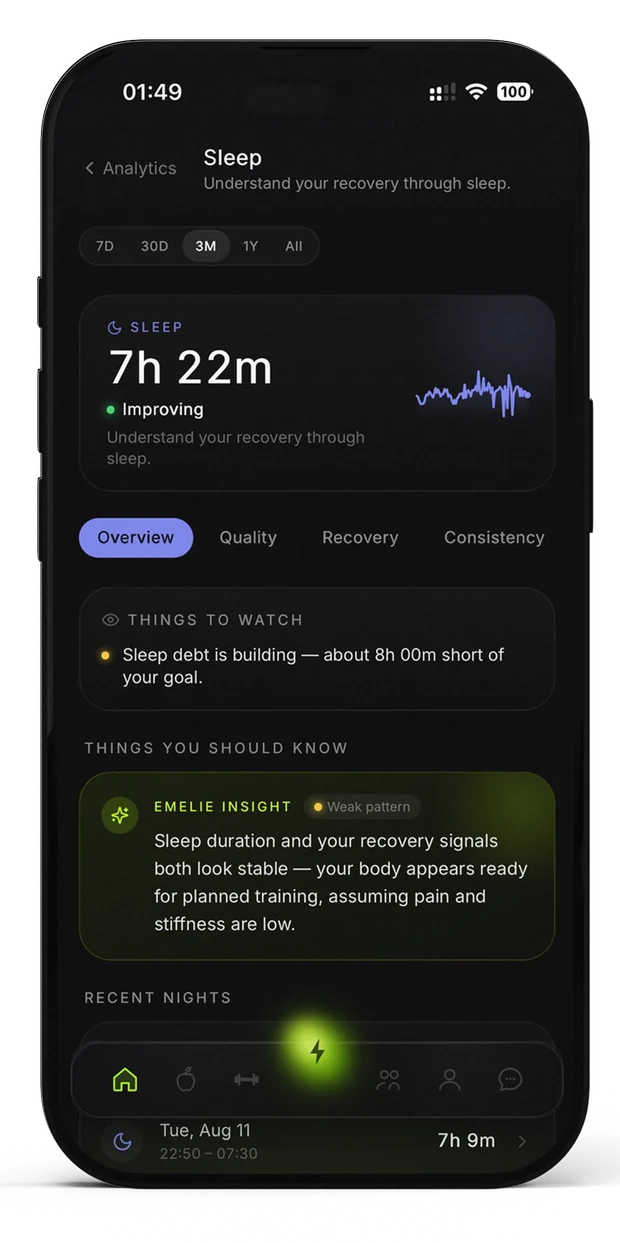
Data without context is just numbers
Apple Health is good at collecting. An HRV reading, a night of sleep, a resting heart rate — all accurate, all sitting on their own.
What it does not know is that you were stiff for two hours that morning, or that you scaled a session down, or that a flare started on Thursday. Those are the things that make the numbers readable.
HAVYT reads the health data you allow and shows it next to what you recorded yourself.
What HAVYT can read
Only with your permission, and only the categories you approve in Apple Health.
Sleep
Sleep analysis from your watch or any app writing to Apple Health.
Heart rate and HRV
Heart rate, resting heart rate and heart rate variability (SDNN).
Activity
Steps, distance walked or run, and active energy burned.
Other vitals
Respiratory rate, blood oxygen, body temperature and blood pressure, where your devices record them.
What about Oura, WHOOP or Garmin?
HAVYT has no direct integration with those devices. What it can read is whatever they write into Apple Health — for many people that covers sleep and heart-rate data, but it depends on the device and its settings.
It is worth checking what your device actually shares before assuming it will appear.
It can also write back, if you turn that on
Writing is a separate permission from reading, off by default, and switched on in HAVYT under “Save HAVYT data to Apple Health”. Only entries you created in HAVYT are ever written. Data imported from Apple Health is never copied back into it, and HAVYT-only concepts such as BASDAI or the Daily Score are never written into unrelated Apple Health fields.
Workouts
Sessions you log in HAVYT can be saved to Apple Health as workouts.
Nutrition and hydration
Food and water entries you record in HAVYT can be saved back when you allow it.
Body measurements
Weight and other compatible measurements entered in HAVYT can be written to Apple Health.
You do not need any of this
Every signal HAVYT uses can be entered by hand. Apple Health adds context if you already have a device; it is not a requirement, and HAVYT works without a wearable.
Permissions are per-category and controlled in Apple Health, not in HAVYT. You can withdraw them at any time.
Common questions
Does HAVYT connect to Apple Health?
Yes. With your permission it can read sleep, heart rate, resting heart rate, HRV, steps, distance, active energy, respiratory rate, blood oxygen, body temperature and blood pressure.
Can I use HAVYT without an Apple Watch?
Yes. Nothing requires a wearable — every signal can be entered manually, and HAVYT is designed to be useful either way.
Does HAVYT work with Oura or WHOOP?
Not directly. HAVYT reads what those devices write into Apple Health, which for many setups includes sleep and heart-rate data. What appears depends on the device and its sharing settings.
Can HAVYT write data back to Apple Health?
Yes, but only if you switch it on. Write access is a separate, optional permission (“Save HAVYT data to Apple Health”). When it is on, workouts, nutrition, hydration and compatible measurements you recorded in HAVYT can be saved to Apple Health. HAVYT never copies data it imported from Apple Health back into Apple Health.
Who controls the permissions?
You do, per category, in Apple Health. HAVYT reads only what you have approved, writes only if you have separately allowed it, and you can change either at any time in the Health app or in iOS Settings.
Put your health data next to your days
Connect Apple Health, or start with manual entries. Both work.